Unslopify UI
Practical design guidance and a local palette generator for AI coding assistants. Under active development, with more guides and tools on the way.
- Problem
- AI-generated interfaces often repeat the same visual defaults and miss product-specific details.
- My role
- Created the design guides, Node.js installer, and color palette generator.
- Result
- An MIT-licensed toolkit that developers can install from GitHub and use with their preferred assistant.
What I delivered
Unslopify UI is still under development, and I’m continuing to add to it. It packages interface design guidance into a toolkit that developers can bring into their own projects. Focused guides cover typography, color, navigation, controls, feedback, data, and mobile layouts. A Node.js installer copies the guides locally and can create missing instruction files for coding assistants. A dependency-free palette generator turns a starting color into candidate scales and light and dark color roles. The project is open source under the MIT license, with a before-and-after dashboard example in the repository.
The problem
A useful design guide has to translate visual judgment into instructions an assistant can act on, while respecting the product, existing code, and the user's preferences. Different assistants discover instructions differently, and a palette that looks plausible still needs checks in the actual interface. I wanted practical guidance that stays easy to adopt without replacing a project's existing rules.
Engineering decisions
Give assistants focused design guidance
Split the guidance into eight topic guides linked from a shared index. Developers and assistants can read the relevant material for a task, from text hierarchy and spacing to feedback states and mobile reflow. The guides put explicit user choices and existing project conventions first.
Explore the implementation : Give assistants focused design guidanceInstall locally without overwriting project rules
The Node.js CLI copies the guides, palette tool, and license into .unslopify-ui. With --init it creates missing AGENTS.md, CLAUDE.md, GEMINI.md, and GitHub Copilot instruction files using exclusive file creation. Existing instruction files remain untouched, and an existing installation stops the command before copying files.
Explore the implementation : Install locally without overwriting project rulesGenerate color scales in a perceptual color space
The dependency-free JavaScript tool converts an opaque sRGB hex color to OKLCH, creates eleven tones, and proposes accents using six color relationships. It reduces chroma to bring candidates into sRGB and outputs JSON with light and dark starting roles. The supplied color is preserved, with a reference mode for exploring a different primary role.
Explore the implementation : Generate color scales in a perceptual color spaceMake contrast measurable and reviewable
The generator reports contrast ratios for named text and background pairs and chooses black or white text for the suggested primary color. The documentation explains what those measurements cover and asks developers to check actual states, borders, focus indicators, and charts in context. Palette tests cover contrast values, conversion round trips, schemes, neutral inputs, and invalid colors.
Explore the implementation : Make contrast measurable and reviewableMake adoption explicit across assistants
The README maps tools to their project instruction files and documents installation with or without entry files. For chat assistants, developers can provide the guides directly. A before-and-after dashboard example shows the guidance applied to one interface, while the instructions ask users to verify which files their assistant actually read.
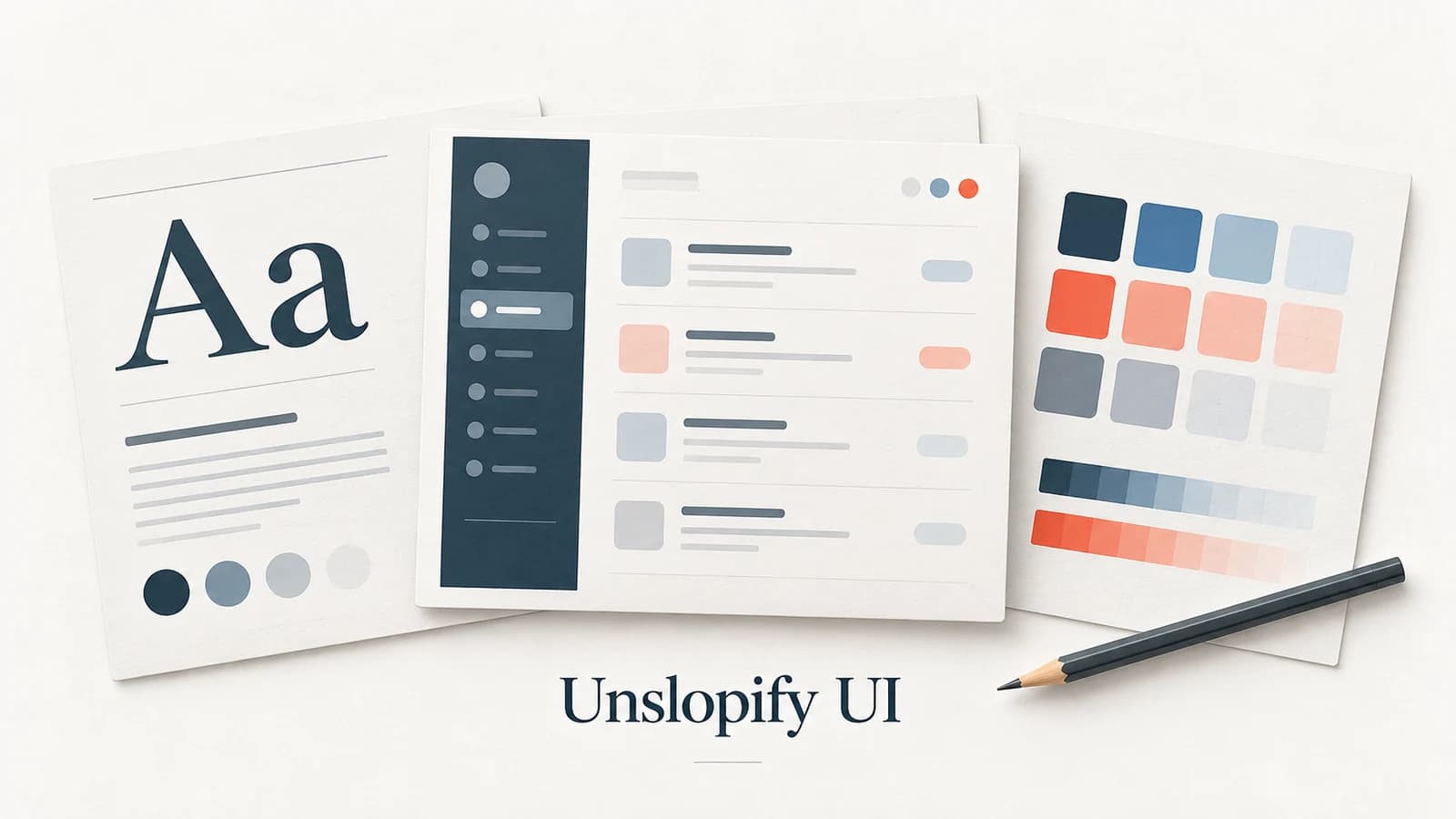
Explore the implementation : Make adoption explicit across assistantsThe repository includes installer tests, palette checks, and a before-and-after dashboard example. Cover artwork is an illustration of the toolkit.
Delivered outcomes
- Published eight focused design guides with a shared index and assistant setup instructions
- Built a local installer that preserves existing project instruction files
- Added a dependency-free OKLCH palette generator with contrast reporting and automated checks
- Documented a before-and-after dashboard example and released the toolkit under MIT
Let’s talk engineering
Have a role or project in mind?
I’m available for remote software & cloud engineering roles and B2B contracts.
Email me View résumé ↗Explore another project
Commercial client delivery: Barnicoat CRM →